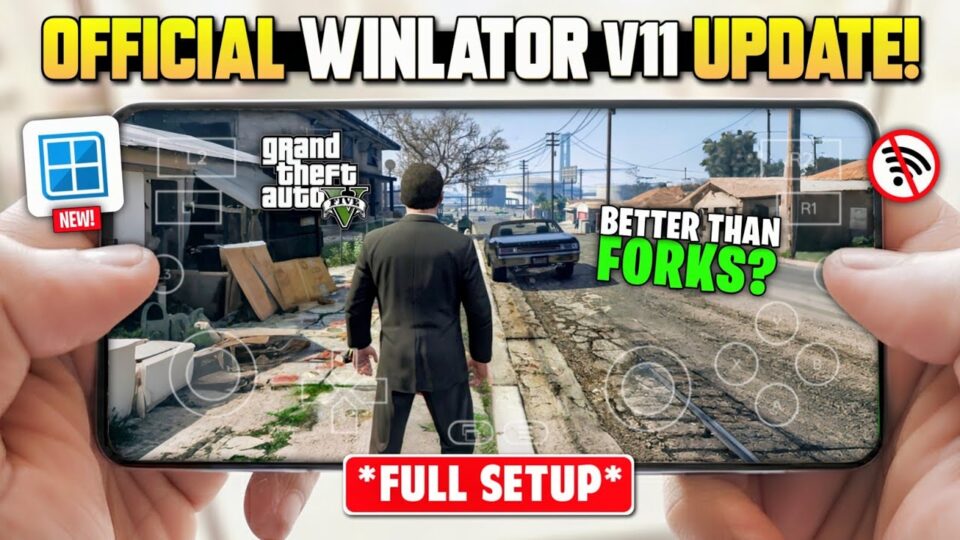
Learn how to play GTA V on Android using emulators. Download links for game files and trusted emulator tools like Winlator and GameHub.
🎮 Can You Play GTA V on Android?
Grand Theft Auto V is originally a high-end PC and console game, and it is not officially available for Android due to its large size and hardware requirements.
However, some players use PC emulators like Winlator and GameHub to run it on powerful Android devices.
In this guide, we’ll explain how it works and provide the required tools.
⚠️ Important Before You Download
This is not a native Android version of GTA V. It runs through emulation.
That means:
- You need a high-end Android device
- At least 8GB RAM recommended
- Strong GPU performance required
- Large storage space (40GB+) needed
If your phone is low-end, it may not run properly.
📦 Game File Information
- Game Name: GTA V (PC Version)
- Size: 43GB
- Platform: Android (via emulator)
- Type: PC Game (Not native Android APK)
- Mode: Offline / Story Mode
🧰 Required Emulators (Important)
To run GTA V, you will need one of these tools:
🎮 GameHub Emulator
Official platform for running PC games on Android:
https://gamehub.xiaoji.com/🧠 Winlator (Official)
A Windows emulator for Android:
👉 https://github.com/brunodev85/winlator/releases⚡ Winlator LUDASHI (Beta)
Optimized experimental version:
👉 https://github.com/StevenMXZ/Winlator-Ludashi📥 Game Download
⚙️ How to Play GTA V on Android
Follow these steps carefully:
- Install Winlator or GameHub emulator
- Download GTA V game files (43GB)
- Extract the game folder
- Open emulator and locate game directory
- Launch and configure controls
- Start playing 🎮
💭 Final Thoughts
Playing GTA V on Android is possible only through emulation, and it requires a strong device. While it’s not an official mobile version, it still gives players a chance to experience the game on the go.
If your device is powerful enough, this setup can deliver an impressive experience.