
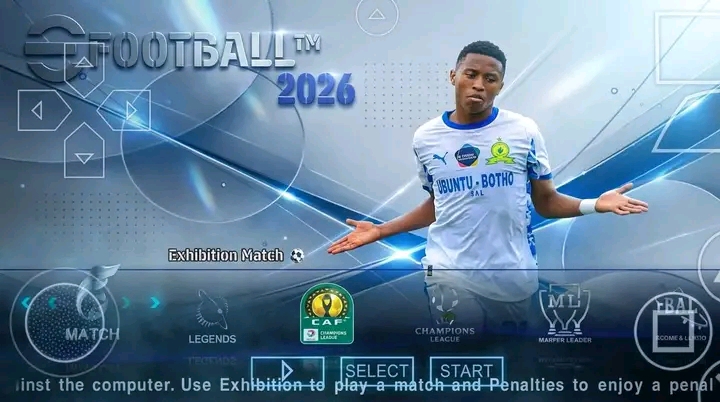
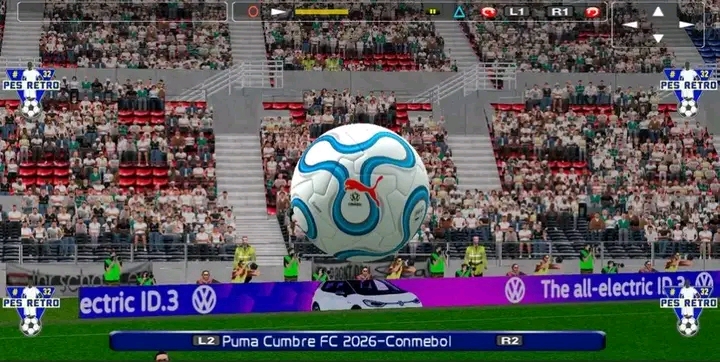
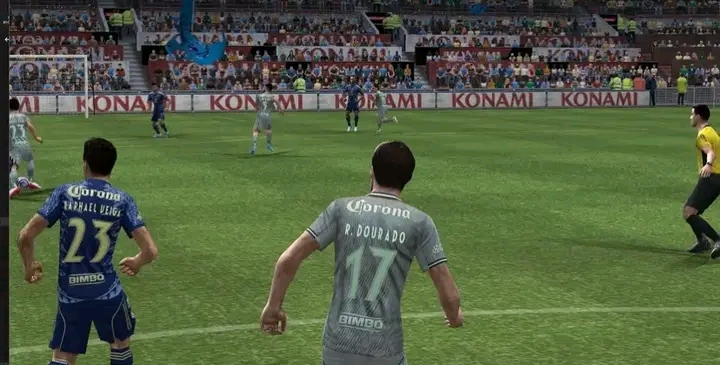
Football lovers can now enjoy the latest eFootball PES 2026 Mzansi PPSSPP on Android devices with updated graphics, smooth gameplay, modern kits, and realistic football action. This Mzansi edition is designed for football fans who want a unique PSP soccer experience using the PPSSPP emulator.
The game features improved visuals, updated teams, and offline gameplay support for Android users.
eFootball PES 2026 Mzansi PPSSPP Details
| Feature | Information |
|---|---|
| Game Name | eFootball PES 2026 Mzansi PPSSPP |
| Platform | PSP (PPSSPP Emulator) |
| Mode | Offline |
| Graphics | HD Graphics |
| Emulator | PPSSPP |
| File Format | RAR |
| Password | sm10 |
About PES 2026 Mzansi PPSSPP
eFootball remains one of the most popular football gaming franchises among Android gamers. This Mzansi PPSSPP edition delivers updated football gameplay with enhanced graphics and smoother PSP controls.
The game includes:
- Updated player transfers
- Modern football kits
- HD stadium graphics
- Offline gameplay support
- Smooth PSP controls
- Improved gameplay performance
Football fans can enjoy realistic soccer matches directly on Android devices using the PPSSPP emulator.
Features of PES 2026 Mzansi PPSSPP
HD Graphics
Improved textures and visuals for a better football experience.
Offline Gameplay
No internet connection is required after installation.
Smooth Controls
Fully compatible with customizable PPSSPP controls.
Updated Teams & Kits
Enjoy modern football squads and updated player appearances.
How To Install PES 2026 Mzansi PPSSPP
Follow these steps carefully:
- Download the PES 2026 Mzansi PPSSPP file below.
- Install ZArchiver on your Android device.
- Open ZArchiver and locate the downloaded RAR file.
- Extract the file using this password: sm10
- Open the PPSSPP emulator.
- Locate the extracted ISO file and launch the game.
Important Setup Guide
To avoid confusion during download and extraction:
- Press the download link above to access the file directly.
- After downloading, install ZArchiver if you do not have it already.
- Open the downloaded file inside ZArchiver.
- Extract the game using this password: sm10
- Launch the ISO file using the PPSSPP emulator.
Best PPSSPP Settings For Smooth Gameplay
For better football gameplay performance:
- Use Vulkan Renderer
- Enable Buffered Rendering
- Set Resolution to 2X PSP
- Turn on Fast Memory
- Enable Auto Frameskip on low-end devices
These settings can improve FPS and reduce lag during matches.
Android Requirements
Recommended specifications:
- Android 10 or higher
- 4GB RAM or above
- Snapdragon processor recommended
- At least 3GB free storage
Final Words
eFootball PES 2026 Mzansi PPSSPP is one of the best football PSP mods available for Android gamers in 2026. With offline gameplay, updated teams, and HD graphics, football fans can enjoy realistic soccer action directly on mobile devices.
Download the game using the links above and enjoy PES 2026 Mzansi PPSSPP on Android today.